
Staying safe online
The Quick Exit button leaves this site in one click, and pressing Esc twice does the same. It cannot erase what your browser already recorded. Here is what it does, what it does not, and what else to think about if someone checks your phone or computer.

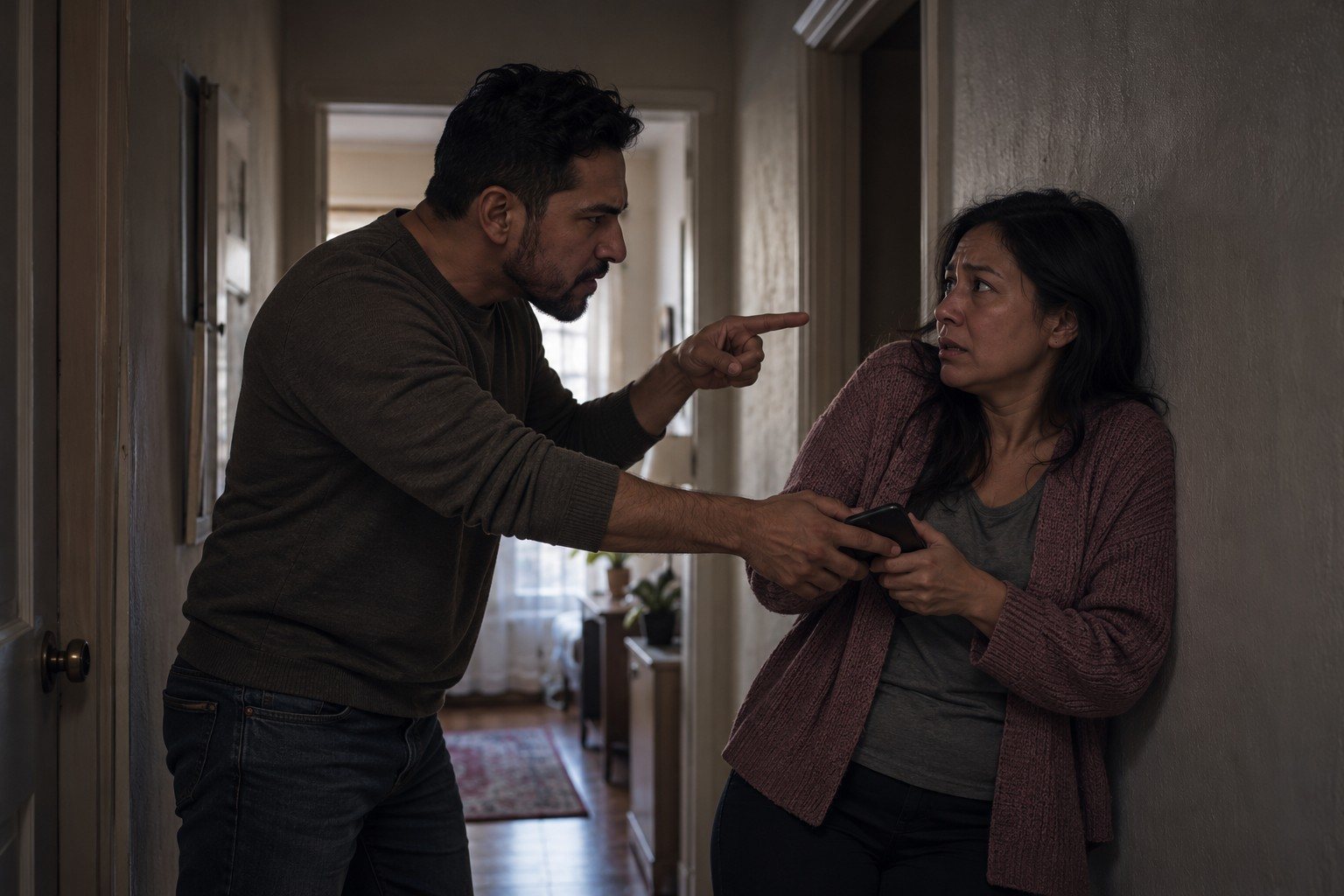
If you are in danger now, call 911. A lawyer cannot keep you physically safe. A domestic-violence advocate can help you make a safety plan that fits your situation, including the technology side of it.
What the Quick Exit button does

The red Quick Exit button sits at the top of every page on this site. Clicking it, or pressing the Esc key twice quickly, does three things at once: it hides this page, opens an ordinary weather search in a new tab, and replaces this tab with the same weather search. Because the page is replaced rather than left behind, pressing the Back button does not bring this site back up.
What it cannot do
It does not erase your browser history. A list of pages you visited, including this site, stays in the history until you remove it. It does not clear anything on a monitored device, and it does not hide your visit from someone who controls your home internet connection. Treat it as a fast way out of the room, not as an eraser.
What this site does not leave behind
We built this site to leave as little as possible on your device:
- No cookies, no analytics, no advertising or tracking code of any kind.
- No fonts, maps, videos or scripts loaded from other companies. Every file comes from this site.
- The private screener keeps your answers only in the open page. Nothing goes into the web address, and nothing is saved in the browser.
- The call-back form sends nothing to you. No confirmation email, no text message.
- Links to other websites do not tell those websites that you came from here.
What remains is ordinary: your browser history, and the record kept by any web host that a page was requested. The privacy page explains the form in detail.
Clearing this site from your history
Every browser lets you remove pages from its history. The steps change with each version, so search your browser's own help for "delete browsing history." In most browsers you can open the history list and remove only the pages from this site, rather than wiping everything. A completely empty history can itself draw attention.
Better still, open a private or incognito window before you visit, and close it when you are done. Nothing from that window stays in the history.
Other things to think about

- Shared accounts. If you sign in to the same browser account, email or cloud backup as the abuser, your history and photos can appear on their devices.
- Phone plans and call logs. A shared family phone plan can show the numbers you call. Our number may appear on the bill.
- Location sharing. Phones and cars can share your location. Check the location-sharing settings on your phone and in shared apps.
- Monitoring apps. If the abuser seems to know things they should not, assume the device may be monitored and use a different one for anything about your case.
- Mail. USCIS sends notices by mail. Before you file, decide on a safe mailing address. See the safe filing checklist.
A safe way to reach us

Use the private call-back form from a safe device, and tell us which number is safe, when to call, and whether we may leave a message. Or call (718) 484-7510 from a phone the abuser does not see. We never contact the other person, and our caller ID and messages do not mention this site.
Read next: what the law keeps private, will my abuser find out, or the safe filing checklist.
Common questions
Is it safer to use private or incognito browsing?
Usually, yes. A private window does not keep history or cookies after you close it. It does not hide your activity from monitoring software on the device, from a router or network the abuser controls, or from someone looking over your shoulder.
Should I delete my whole browser history?
Think about it first. If your history is normally full and suddenly empty, that can draw attention. Deleting only the pages from this site, or using a private window from the start, is often less noticeable. A domestic-violence advocate can help you weigh this.
Can I call you from my own phone?
If you believe your phone is monitored or your call log is checked, use a phone the abuser does not have access to: a friend's, a work phone, or a library or community center phone. When you ask for a call back, tell us which number is safe and whether we may leave a message.
The lawyers who will handle your case
One of them calls you back, privately, on your terms.



Talk to a lawyer privately. You decide how we reach you.
Tell us a safe number or email and a safe time, and whether we can leave a message. We never contact the person who hurt you, and we never call from a number or send anything that names this site. The first conversation is free and confidential, in English, Russian, Spanish or Uzbek, with a live interpreter for any other language.